ARDUINO MINI
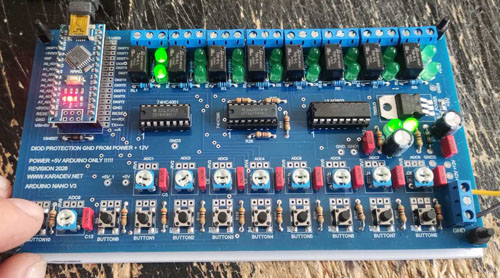
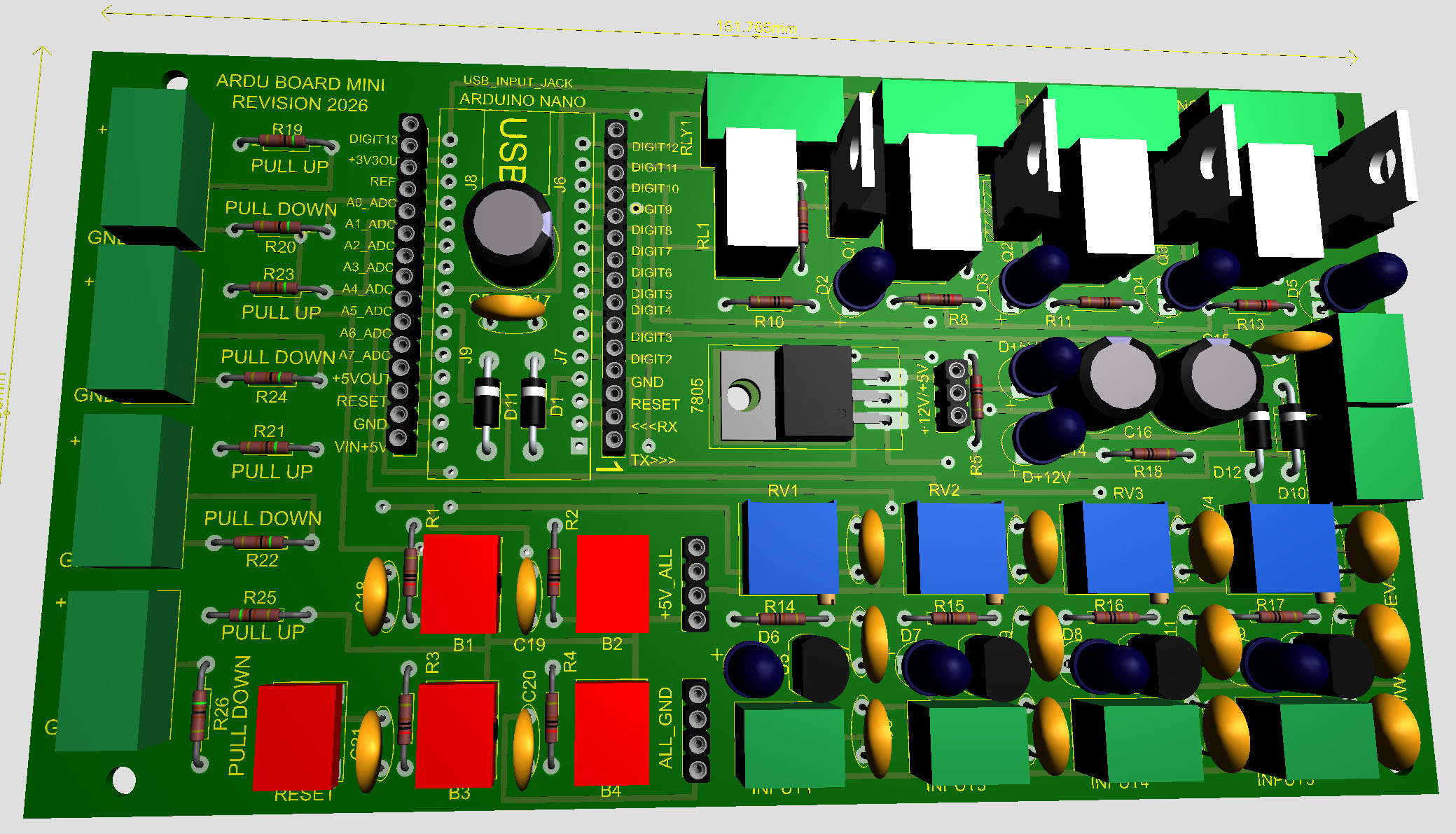
ARDUINO MINI board for developing, training, some small real automation projects
1 active product
AUTOMATION BOX VIEWER ACCOUTS
Login name: userview_emma
Temporary password: T9auJP8DtRv5kGRt
Role: VIEWER
Login name: userview_alice
Temporary password: mmzppVZpd4EgLT4c
Role: VIEWER
Login name: userview_bob
Temporary password: 33GEBuZ7QwEgjxKV
Role: VIEWER
Login name: userview_david
Temporary password: Ye5t82LsnKVA5TV8
Role: VIEWER
PRODUCT CATEGORIES
Open a category to view its products, select quantities, and continue with the same quote-request system.
ARDUINO MINI board for developing, training, some small real automation projects
1 active product
ARDUINO PRO board is for developing of some small projects for automation like to use 8 relays, 8 inputs, 8 adc channels and to have a system for learning, code develop, soldering training, etc
0 active products
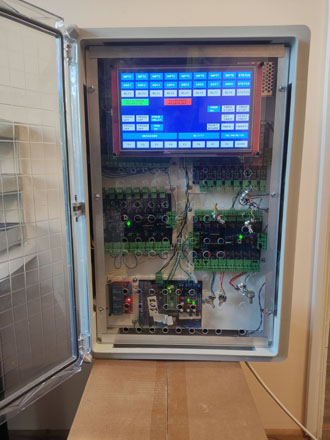
AUTOMATION BOX with PICO DEVELOP BOARD, SPI EXPANDER BOARDS, CONTACTORS, RELAYS, ADC CHANNELS, LAN COMMS, 10 inch TOUCH DISPLAY
20 active products
EXPANDER SPI BOARDS are group of boards that can be used like just one separated from another and or all in one with control system module like PICO DEVELOP BOARD for to make a strong system fro automation, training for soldering, coding, learning of automation principals, etc.
0 active products
PICO DEVELOP BOARD is can be used for a developers of code and systems with PICO 1 / 2. This board can be a strong base of a develop hardware and software systems of automation, learning code, training of coding for students, etc. All technical info for this board will be placed here
0 active products
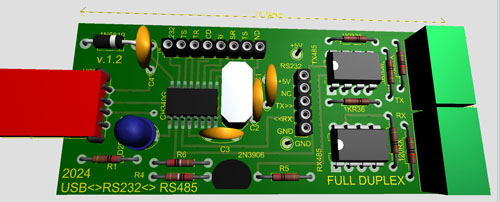
RS-232 / RS-485 COMMUNICATIONS modules for proper link and comms with all type of boards in electronics, automation, hardware / software developing, etc all kind of projects
0 active products
HOW IT WORKS
01
Enter the quantity needed for each component.
02
Give us your contact details and project notes.
03
We review the configuration and contact you.